Which Free AI Image Upscalers Deliver the Best High-Resolution Results?
The Evolution of Image Enhancement in 2026
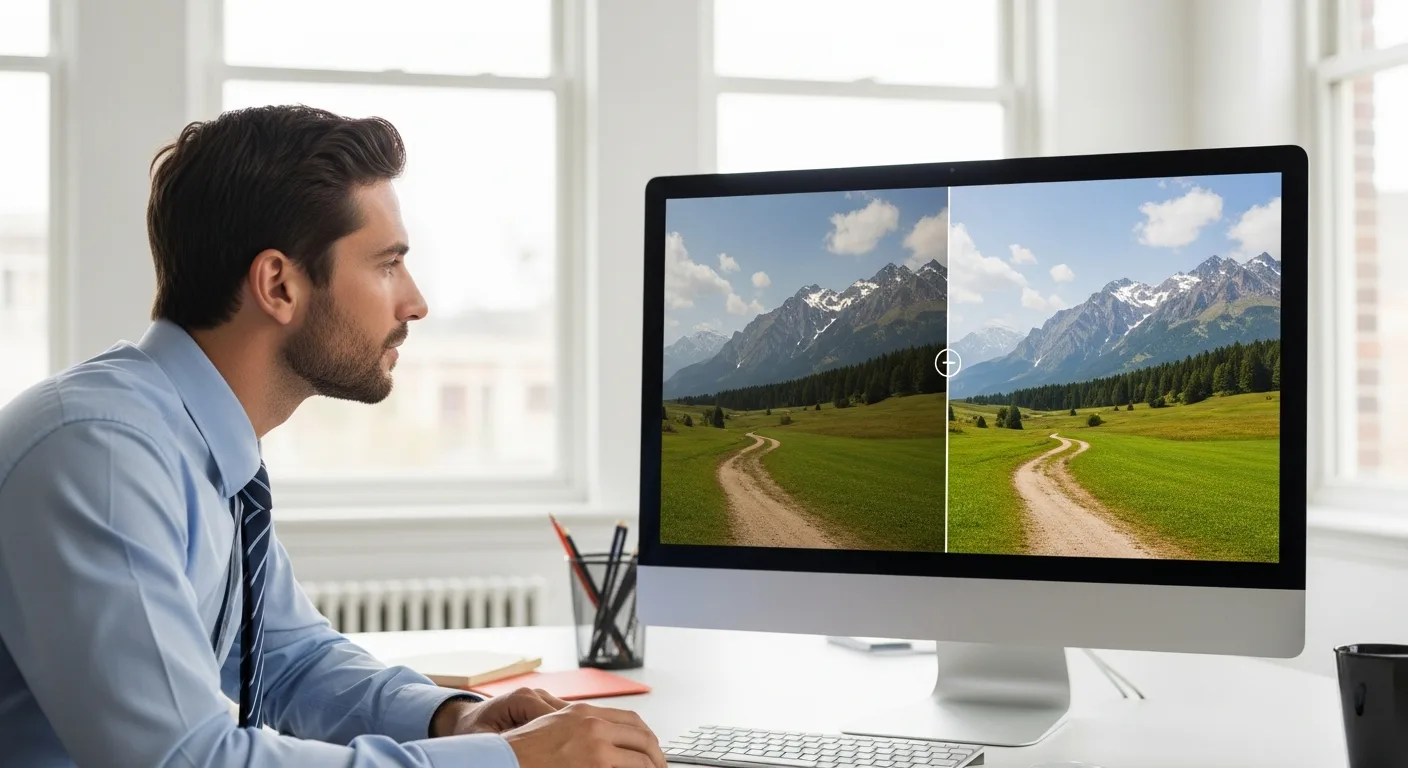
In the current digital landscape, high-quality visuals are no longer a luxury; they are a necessity. Whether a creator is preparing a presentation or a developer is optimizing assets for a new application, he frequently encounters the challenge of low-resolution imagery. Fortunately, the advancement of neural networks has made it possible to breathe new life into pixelated photos. In 2026, the best free AI image upscalers have reached a point where they can reconstruct lost details with startling accuracy.
When a professional selects a tool, he looks for more than just a simple size increase. He seeks a solution that maintains the integrity of the original texture while removing artifacts. For those who are also comparing different generative models to create their initial assets, having a reliable upscaler in his workflow is the final step toward achieving a polished, professional look.
Top Free AI Upscaling Tools for Professionals
Finding a tool that offers high-end features without a subscription fee can be difficult. However, several platforms and open-source projects have stepped up to provide incredible value.
1. Upscayl: The Desktop Powerhouse
Upscayl remains a favorite among power users because it is entirely free and open-source. Unlike web-based tools that often limit the number of daily exports, Upscayl runs locally on a user’s machine. This means he can process as many images as his hardware allows. The software utilizes advanced models like Real-ESRGAN to sharpen edges and enhance details without the typical ‘oil painting’ effect seen in lower-quality AI tools.
2. Img.Upscaler
For the user who prefers a quick, browser-based solution, Img.Upscaler offers a streamlined experience. It is particularly effective for those working on professional business photography where clarity and facial detail are paramount. While the free tier has some limitations on daily usage, the quality of its ‘Portrait’ mode is exceptional for restoring old or blurry headshots.
3. Waifu2x (Modern Implementations)
Originally designed for anime-style art, modern iterations of Waifu2x have evolved into versatile tools for all types of photography. A designer can use this tool to reduce noise in low-light photos while doubling or quadrupling the resolution. It remains one of the most accessible free options for anyone needing a quick fix for grainy textures.
What to Look for in a Free Upscaler
Not all AI upscalers are created equal. When a user evaluates a new tool, he should focus on several key performance indicators:
- Texture Retention: Does the AI maintain the natural look of skin, fabric, or stone, or does it make everything look plastic?
- Artifact Removal: How well does the tool handle JPEG compression artifacts? A high-quality upscaler should clean the image as it expands it.
- Processing Speed: Local tools depend on the user’s GPU, while cloud tools depend on server load. He must decide which fits his timeline better.
- Scaling Factors: Most free tools offer 2x or 4x scaling. In 2026, some advanced models even allow for 8x or 16x scaling with minimal loss in fidelity.
How AI Upscaling Works
The magic behind these tools lies in Deep Convolutional Neural Networks (CNNs). Instead of just guessing what color a new pixel should be based on its neighbors (the old way), the AI has been trained on millions of pairs of low-resolution and high-resolution images. It understands what a human eye or a blade of grass is supposed to look like. When he uploads a blurry photo, the AI recognizes the patterns and effectively ‘repaints’ the missing details based on its vast training data.
Frequently Asked Questions
Can I upscale a very small thumbnail into a 4K image?
While AI is powerful, it cannot create something from nothing. If a user starts with a tiny 50×50 pixel image, he will likely see some ‘hallucinations’ where the AI creates details that weren’t there. For the best results, the original image should have at least some discernable detail.
Are free upscalers safe for private photos?
Safety depends on the tool. If he uses a local tool like Upscayl, his photos never leave his computer. If he uses a web-based service, he should always check the privacy policy to ensure his images are deleted from their servers after processing.
Does upscaling improve the focus of a blurry photo?
AI upscalers are excellent at sharpening ‘soft’ images, but they cannot perfectly fix a photo that is severely out of focus. He will find that the AI can improve the look, but it won’t be as sharp as a photo that was taken correctly in the first place.